Included with the software you will receive more than 3000 templates ready to be used with almost any album size available in the market. But creating a template of your unique style is easy, simply select Save as template from the ALBUM DS menu and you’ll get it.  The templates are also usable for picture collages for the classic album formats, size will be automatically adjusted.

Changing backgrounds is straight forward, just two clicks. Or changing the color of the whole album.

And remember, you may reposition, resize and rotate the pictures places freely, you may apply a mask easily too. All the templates are horizontal and vertical flippable.

Just imagine how many templates are available flipping them ( x4) and applying any mask and/or background, thats more than 50M and you may combine masks also and frames or different templates and of course adding any text.

And because you are working with Photoshop®, you may add any effect to the picture like bevels, shadows, glows, etc. Or a desaturation layer, a toning layer, a curves layer or change the blend mode of the picture. You will do all that you were doing but more simple, fast and secure.

Take a look at the template gallery

With this add on you can easily mask any photography or create smooth transitions between them. Masks are applied to the shape layers and the effect is visible on the photography.

You may save your templates with the maks of your preference and easily change from one to another with a double click, Album DS masks inherit the shape space and position. Of course you may create your own masks expanding Album DS possibilities with your creativity.

Album DS Masks

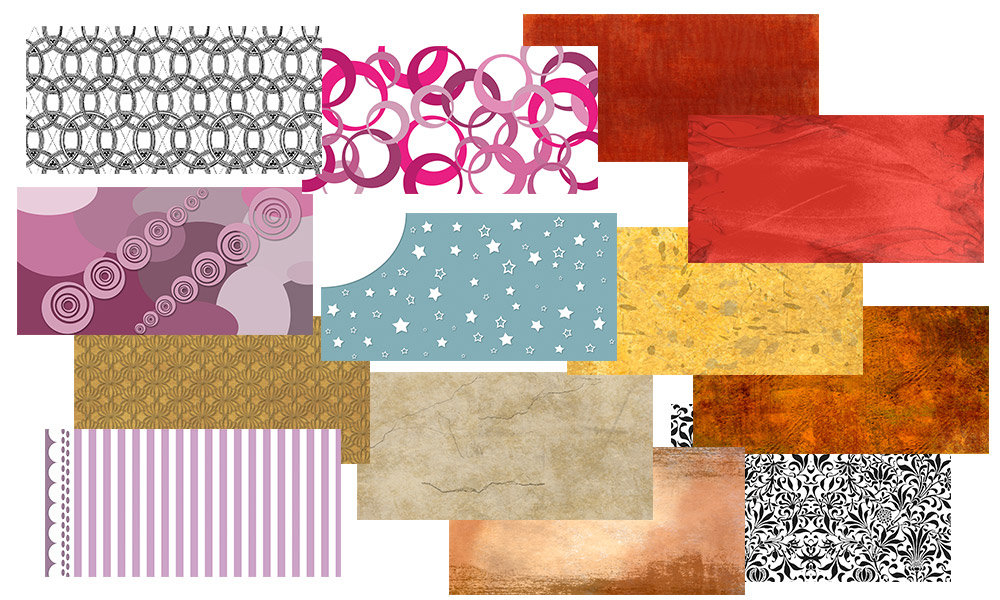
More than 500 backgrounds are included with Album DS, from high resolution drawings to tiled patterns. Just a double click and it will be positioned at the left top corner.

And remember you are working in Photoshop® and that means you can easily modify this background by just adding a hue & saturation layer to it, or a filter, or convert to B&W, etc. Take a look at some of the backgrounds included:

Album DS Backgrounds

Album DS comes with more than 500 frames, but they are suitable to be used for any picture size. We offer two kinds of frames:

  • one simpler where you decide width and position from the pictures border, this ones are easily combinable if needed to get a more complicated design.
    Album DS Frame sample
  • and some special frames. The advantage is that they will transform automatically for the picture size without getting stretched decorations as it would happen with other software frames.
    Album DS Frame sample for Xmas

With Album DS Styles you can easily modify a picture by adding a shadow, bevel, stroke, etc; just a double click and the effect will be added to the picture.

Album DS Styles

But we have included also styles for the clipart decorations: swirls and twirls, this will transform any of the decorations by converting the color or texture in just one double click
Album DS Styles

Clipart are ever useful, you may include them for a holiday decoration or just a birthday, nicely designed clipart in Album DS will suit your needs.

And we have included also some very special clipart: swirls and twirls in vectorial format, that means you may resize them without having to worry about quality because they will ever be perfect. They place in your design as a smart object and you can easily rotate or resize; and we have included many of them to make sure you’ll find what you need.

Album DS Clipart

At Album DS we want to help you in getting the most from your pictures and therefore have added a series of extras to enhance them and make your life easier. From a glamorous touch to a painting simulation your pictures will look awesome.